Optimizing SLM Inference on Air-Gapped Enterprise Hardware

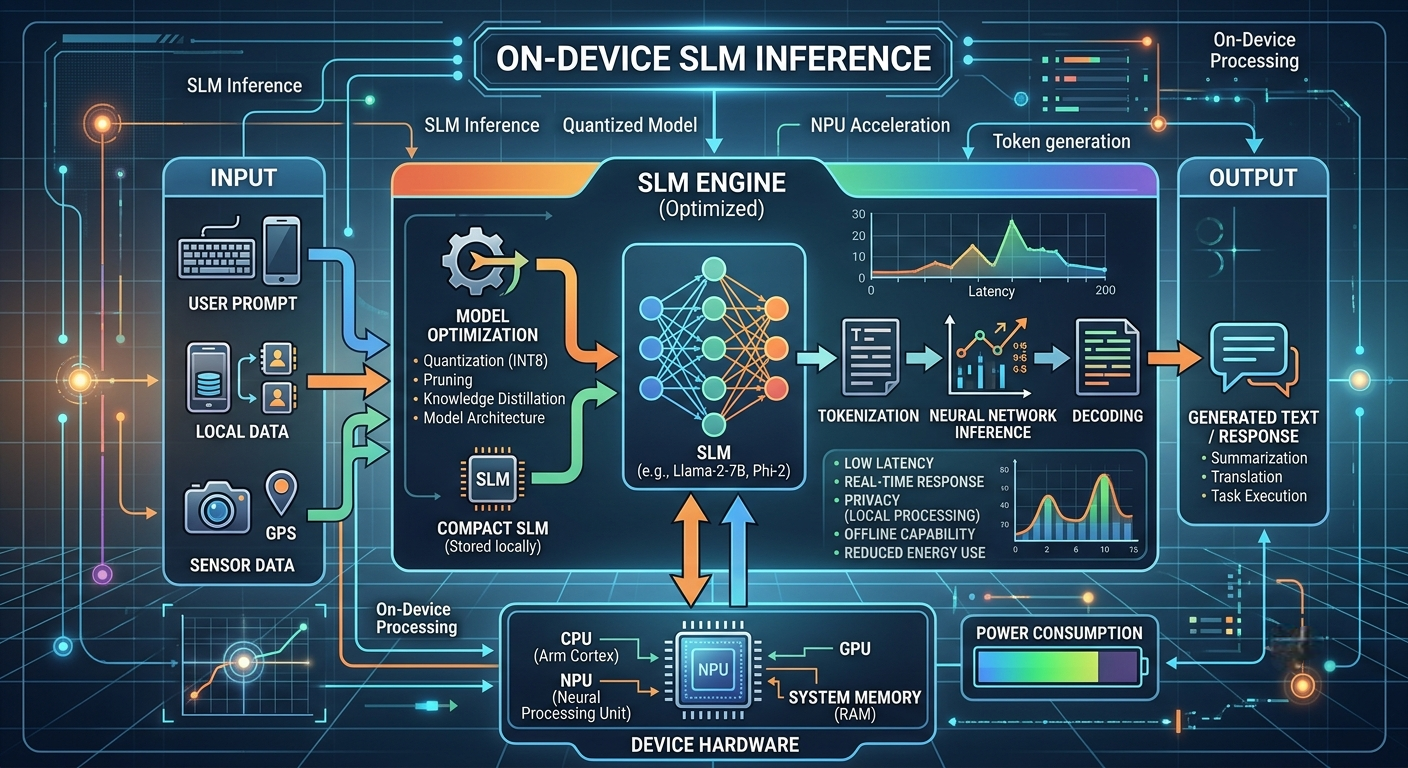
What I'd tell a team about to run a small language model in a building with no internet.
The setup
Some data just can't leave the building. Banks, hospitals, defense contractors, utilities: plenty of them run networks that are physically cut off, and they still want the same things everyone else wants from AI. Summarize this contract. Triage these logs. Find the policy that answers this question.
The good news is that most of those jobs don't need a giant model. A small language model, say 1B to 14B parameters, tuned or prompted for one narrow task, does the work well. The hard part isn't choosing the model. It's making it fast and dependable on whatever hardware you actually have, with no pip install when something breaks and nobody from a vendor to dial in.
Here's what I'd focus on, roughly in the order I'd do it.
Start with what's in the rack
Air-gapped sites rarely have shiny new GPUs. More often it's hardware bought a few years ago and pushed through a long security review. So take stock first.
VRAM matters most, because it decides what model you can load and how many people can use it at once. Memory bandwidth comes next, since generating text is usually limited by how fast weights can be read, not by raw compute. If some of your machines have no GPU at all, don't write them off: a quantized 3B to 8B model on a modern CPU is fine for a handful of users.
One rule has saved me a lot of grief. If the model fits on one GPU, keep it on one GPU. Splitting a 7B model across cards mostly buys you communication overhead. Run several copies behind a load balancer instead.
Quantize, but check your own work
Quantization is the closest thing to a free lunch here. Lower precision means smaller weights, less memory, and usually faster inference.
| Precision | Memory vs FP16 | Quality hit | When I'd use it |
|---|---|---|---|
| FP16 / BF16 | 1x | None | Plenty of VRAM, accuracy matters most |
| FP8 | about 0.5x | Tiny | Newer GPUs that support it |
| INT8 | about 0.5x | Small | Works on most hardware |
| 4-bit (AWQ, GPTQ, GGUF Q4) | about 0.25x | Small to moderate | Tight on VRAM, or CPU-only |
My advice: begin with 8-bit and only go to 4-bit if you have to. Then test on your own tasks, not a public leaderboard. A model can look fine on benchmarks and still start mangling the JSON your pipeline depends on. And don't forget the KV cache. With long prompts it can eat more memory than the weights do, so quantizing it is often worth it.
Do the quantizing outside the air gap, or in a staging enclave, and carry across only the final files with their hashes.
Pick an engine that fits your situation
The serving engine often matters more than any tweak to the model.
- vLLM is my usual starting point for GPU servers with lots of users. Continuous batching and paged attention do a lot of work for you.
- TensorRT-LLM is the fastest on NVIDIA cards, but the build process is fussier and the engines are tied to specific GPUs.
- llama.cpp is great for CPU-only boxes, mixed setups, and anything where you want simple and portable.
- OpenVINO or ONNX Runtime make sense if your fleet is mostly Intel.
Don't overthink it. Match the engine to your bottleneck: many users, simplicity, or CPU efficiency.
Let the engine batch for you
Serving one request at a time wastes a GPU. Modern engines keep it busy by letting new requests join a batch as others finish, packing the KV cache so more conversations fit, and splitting long prompts so one big document doesn't freeze everyone else.
Prefix caching deserves a special mention. In enterprise settings, lots of requests start with the same long system prompt or the same document header. Cache it once and you skip repeating that work every time.
Tune all of this against real traffic. A chat assistant (short prompts, long answers) and a document pipeline (huge prompts, short answers) hit opposite limits, and a setup that's perfect for one can be awful for the other.
Shave latency where it counts
If each user's wait matters more than total throughput, a few things help:
- Speculative decoding. A tiny draft model guesses a few tokens ahead and the main model checks them in one go. It shines when output is predictable, like code or structured data.
- Structured output. Forcing a JSON schema means no retries on malformed answers, which saves time and headaches.
- Shorter prompts. Every token in your prompt costs prefill time. Trim the system prompt, drop redundant examples, compress retrieved text.
- A sensible
max_tokens. One runaway generation can hog capacity for everyone.
Fine-tune small instead of prompting big
This is my favorite optimization, and it isn't a runtime trick at all. A 3B to 8B model fine-tuned on your domain with LoRA often beats a much larger general model on a narrow job, and it costs far less to serve.
In an air-gapped setting the benefits stack up. A smaller footprint means more replicas per server. The model has learned the task, so prompts get shorter. And LoRA adapters are tiny, so you can ship a bunch of them and swap between tasks on one base model.
The air gap changes how you work
Speed is only half the problem. The isolation reshapes everything around it.
Build once, carry across. Build your container images in a connected staging environment, sign them, and move them in. Pin every dependency: wheels, CUDA, drivers, tokenizers, weights. Run an internal mirror for packages and images so updates are repeatable and auditable.
Treat model files like software. Verify checksums and signatures before anything crosses the boundary. Prefer safetensors over pickle formats so loading a model can't run arbitrary code. Scan images for known vulnerabilities up front, because patching later is slow. Keep an SBOM for every serving image.
Turn off phone-home behavior. Many libraries quietly try to download a tokenizer or config at startup and then hang with a confusing error. Set HF_HUB_OFFLINE=1 and TRANSFORMERS_OFFLINE=1, then confirm with network policy that nothing can reach outside.
Watch it from the inside. Stand up Prometheus and Grafana in the enclave and track the numbers that drive real decisions: time to first token, inter-token latency, tokens per second per GPU, queue depth, KV cache use, and GPU memory and power.
If I were starting tomorrow
- Write down your targets: time to first token, tokens per second, how many users at once.
- Find the smallest model that meets your quality bar on your own test set.
- Quantize (8-bit first) and re-test.
- Pick an engine that suits your hardware and traffic.
- Turn on continuous batching, prefix caching, and chunked prefill.
- Load test with realistic traffic, not one request at a time.
- Add speculative decoding or structured output if you still need it.
- Scale out with replicas rather than fancy parallelism.
- Automate the offline release process so every update is signed, tested, and reversible.
Mistakes I'd watch for
- Tuning for a benchmark instead of your actual prompts and documents.
- Sizing VRAM for the weights and forgetting the KV cache, then wondering why concurrency collapses.
- Letting driver and CUDA versions drift between staging and the enclave.
- Having no rollback plan. With no internet, a bad update has to be undoable from local files.
- Skipping re-evaluation after a change. Quantization, engine upgrades, and fine-tunes can all shift quality.
Wrapping up
Running small models in an air-gapped environment is as much a systems problem as an AI one. The recipe isn't exotic: a right-sized model, sensible quantization, an engine that batches well, and a disciplined offline release process. Get those right and even older enterprise hardware can serve fast, private, compliant AI to a whole organization.
I actually think the constraint helps. It pushes you toward leaner models, tighter engineering, and infrastructure you fully control. Those are good habits with or without a network cable.